

Security, Privacy and Data Hosting:
Questions to Ask About Accessibility Widgets
A practical guide for government and public-sector teams
Government and Public Sector
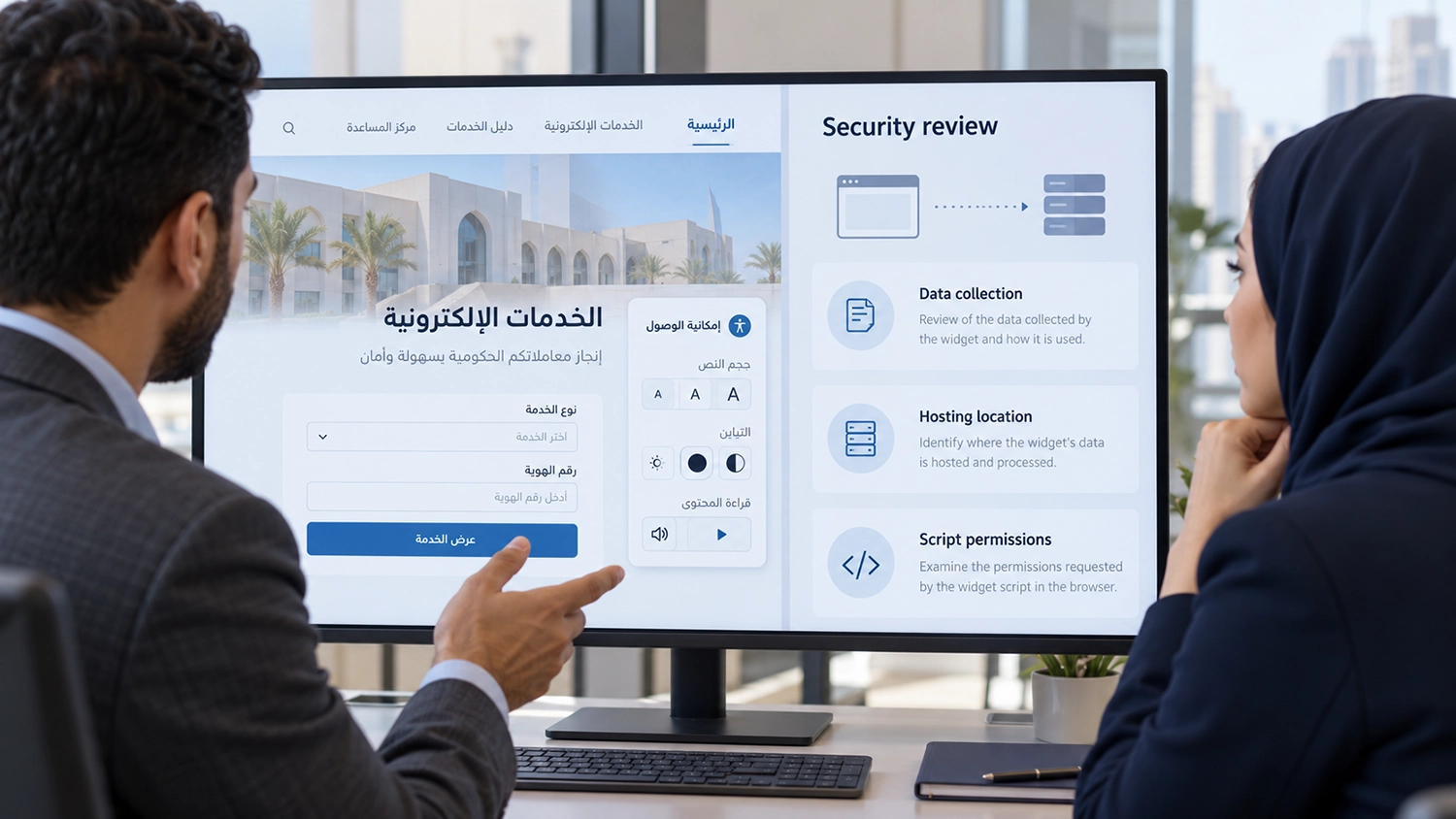
Accessibility widget security should be reviewed before adding third-party software to a government website. Text adjustments, contrast controls and reading support can be useful, but procurement teams also need to understand the code being added, its external connections and the responsibilities of the provider.
For services involving applications, identity information or payments, a quick installation should follow an appropriate security and privacy review. This article sets out questions for website owners, IT teams and procurement specialists. The answers should relate to the proposed deployment and enabled features, rather than relying on a general claim that a product is secure.
Why Accessibility Widget Security Needs Review
A widget may introduce scripts, styles, network requests and browser storage. The implications depend on how it is implemented and what it does. Importantly, a script executing within a page is not automatically isolated merely because it comes from a different company.
OWASP guidance on third-party JavaScript identifies concerns involving changes to externally supplied code, code execution and disclosure of information. This supports a proportionate review of any such integration; it does not establish that a particular accessibility provider misuses data.
What Data Is Collected
Ask the provider to identify the data used by each feature. Distinguish visitor preferences, technical request logs, usage analytics and page content. Establish whether form values, identifiers or authenticated information can be read, and whether anything is transmitted or retained.
Technical capability and actual collection are different questions. A statement that information is not collected should be supported by a description of the implementation, configuration and testing. Confirm retention periods, deletion procedures and whether optional analytics can be disabled.
Read-aloud and AI features deserve specific questions. Does speech processing take place on the device or through an external service? If text is sent elsewhere, what is selected, who receives it and how is it handled? Ask whether any submitted content is used for model training. Do not assume all products use the same architecture.
Which External Connections Are Made
Request a list of domains and endpoints used to load scripts, configuration, fonts, audio or other services. Include dependencies and subcontracted services, not just the provider’s main domain. Ask which connections occur immediately and which begin after a visitor activates a feature.
To assess accessibility widget security, the technical team should inspect representative network traffic in a test environment using dummy data. A script-download request and a request containing page text have different implications. Review whether URLs, reference numbers or query parameters could reveal sensitive information. One test session alone does not prove every possible feature or state has been covered.
Where Data Is Processed and Hosted
Supplier location does not determine where its infrastructure operates. Ask separately about processing, primary storage, backups, logs, content delivery networks and remote support access. Record the entities involved, their locations and their responsibilities.
If a government entity requires local hosting or a particular processing arrangement, obtain written confirmation that the proposed deployment satisfies that requirement. A locally registered company, a local server and an entirely local data flow are three different things. None should be inferred from the others.
Self-hosting, where available, also needs definition. Hosting a script locally may not remove external processing or licence checks. The review should cover the complete feature set and the applicable organisational requirements.
What the Script Can Read or Change
Understand whether the integration operates in the main page, in an isolated frame or through another design. Ask which page elements, browser storage and APIs it accesses, and how sensitive inputs are handled. A widget should not need server administrator access merely to provide browser controls, although any backend integration requires its own review.
The technical team can assess compatibility with its Content Security Policy, which can restrict resource loading and certain network connections. Avoid broad exceptions added simply to make an integration work. CSP is one protective layer, not a certificate that a product is safe or a replacement for reviewing its behaviour.
Who Controls Updates and Dependencies
Ask whether code updates automatically, whether versions can be controlled, and how customers learn about changes affecting data flows or permissions. Clarify vulnerability reporting, patch delivery, dependency maintenance and the process for disabling or rolling back the integration.
Subresource Integrity can verify supported resources against an expected cryptographic hash. It must be planned with the delivery and update model; it does not automatically suit every changing script. Your security team should select controls appropriate to the architecture.
Maintaining accessibility widget security requires reviewing updates while also testing their impact on accessibility. An update that changes focus behaviour, obscures a field or interferes with a service can affect visitors even when the deployment remains available.
Can Sensitive Pages Be Excluded
Government sites may combine public information with authenticated or sensitive transactions. Ask whether deployment can be restricted by page, application or environment, and how exclusions are enforced. Hiding the widget button does not necessarily stop its script loading or requests occurring.
If a widget is excluded from a sensitive page, that page still needs accessible design and testing. The underlying service must support keyboard use, assistive technology, understandable errors and task completion. Our guide to government website accessibility explains the scope of service evaluation.
What Evidence Should Procurement Teams Request
Request a current description of the architecture and data flows, the list of external services, retention and deletion arrangements, relevant contract terms and deployment restrictions. Where processing responsibilities require it, request an appropriate data processing agreement. Security assessment summaries and certifications should be checked for scope, date and relevance to the product being purchased.
Agree support responsibilities, incident notification arrangements and the steps for removing the integration. A certification logo or a privacy policy alone does not answer every technical question. Evidence supporting accessibility widget security should match the actual feature configuration and remain available when the service changes.
A Local Partner with Clear Accountability
As a UAE-based company, VisiAble gives government and enterprise teams a regional partner they can engage with directly, in Arabic or English. Our local presence supports clear communication and an understanding of the region’s digital service needs.
Alongside technical capability, organisations should consider who stands behind the solution, how questions are addressed and what evidence is available for security and procurement reviews. Local presence can support that relationship. Hosting locations, data handling and security controls should still be established through the same evidence-based review applied to any provider.
Accessibility and Security Should Be Evaluated Together
A suitable solution must fit both the organisation’s technical requirements and visitors’ accessibility needs. Include IT security, privacy, procurement and accessibility specialists before deployment. Evaluate performance and compatibility using realistic Arabic and English journeys, including enabled visitor controls.
W3C guidance on planning accessibility provides a framework for integrating accessibility into organisational processes. Approval of a widget does not establish WCAG conformance of the underlying website. Professional evaluation and remediation remain part of an effective accessibility programme.
Frequently Asked Questions
Is a local provider automatically more secure
No. Local presence can improve direct engagement and accountability, but security depends on architecture, controls, operations and supporting evidence.
Does local script hosting mean all data stays locally
Not necessarily. Other features may connect to external services. Review all processing, storage and network dependencies.
Can a widget access personal information
That depends on its implementation, privileges and configuration. Establish both what it can access and what it actually collects or transmits.
Does a security review replace an accessibility audit
No. The reviews answer different questions. Security examines the integration and data handling; accessibility evaluation examines whether users can access and operate the service.
How VisiAble Can Help
VisiWidget offers Arabic and English interfaces, preset accessibility profiles, text and contrast controls, and read-aloud options at normal, slow or fast speed. These features support visitor personalisation within a wider accessibility programme.
VisiAble’s professional accessibility audits help teams evaluate the underlying website, including keyboard operation, assistive technology and agreed Arabic and English journeys. For a proposed widget deployment, raise security, data handling and hosting questions before approval so the relevant technical details can be confirmed for your requirements.
Contact VisiAble to discuss accessibility needs and the information your team requires for its technical and procurement review.